Xentral
Get access to all you ERP-data.
Setting up the integration
1
Go to integrations
Got to the integrations-page (click on your name in the bottom left corner and choose integrations) and choose Xentral
2
Setting up
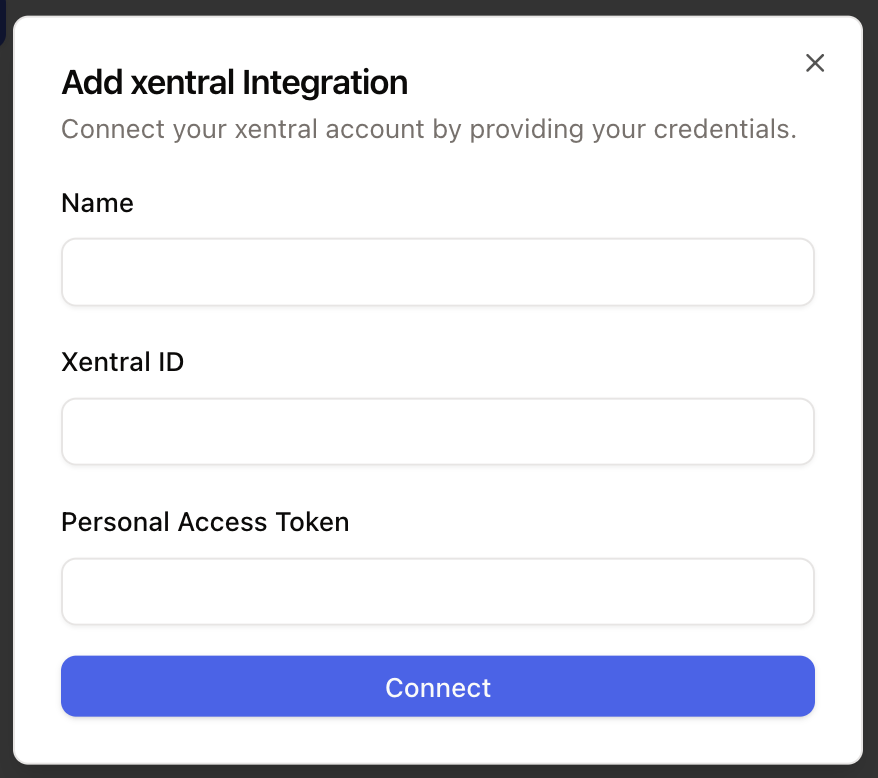
Click on connect -> Add account and paste in your credentials. Click connect and grant the required permissions.
How to use
After connecting Xentral you have several options to use the integration in you armincx-account.
Inbox Widget
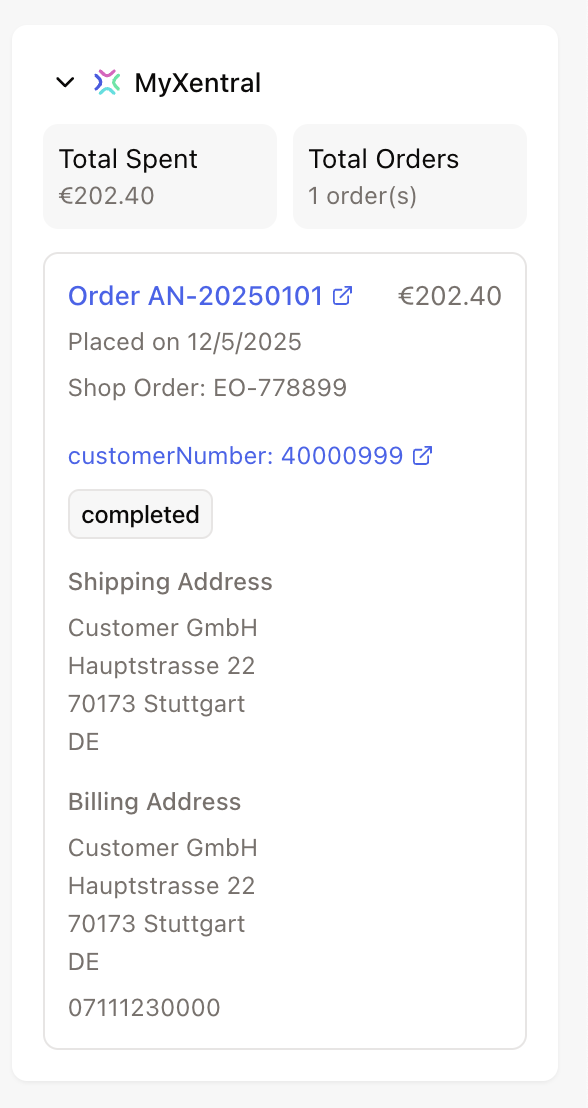
For every ticket in your inbox where a Xentral order can be linked via the contact, you’ll see a widget on the right side of your inbox.
Here you can view all key order details and perform various actions, such as editing the order or creating a discount code.
Workflows
You can use the integration to trigger various actions in Shopify through workflows.
Available actions:
Get Order
Get Invoice
Update Shipping Address