WooCommerce
See all your WooCommerce data in armincx
Setting up the integration
1
Go to integrations
Got to the integrations-page (click on your name in the bottom left corner and choose integrations) and choose WooCommerce
2
Setting up
Click on connect -> Add account and paste in your WooCommercer-store-domain. Click connect and grant the required permissions.
How to use
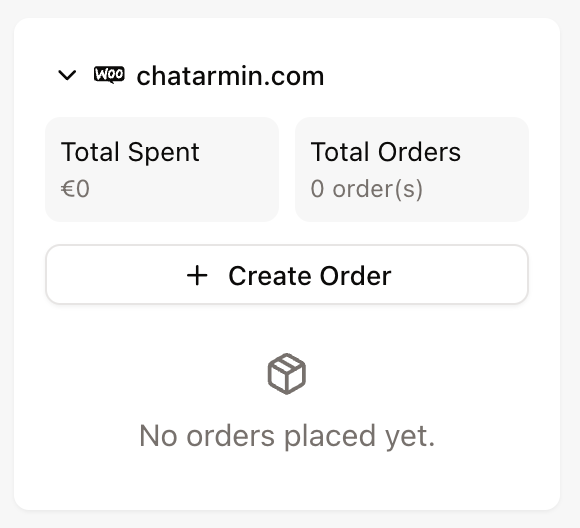
After connecting WooCommerce you will see the WooCommerce Widget on the right side of your inbox. Here you see all order-details for a specific order as well as for the specific customer. You can for sure create new orders directly in your WooCommerce from here.