Chatarmin
Sync your WhatsApp chats directly to armin-cx
Setting up the integration
1
Go to integrations
Got to the integrqations-page (click on your name in the bottom left corner and choose integrations) and choose Chatarmin
2
Setting up
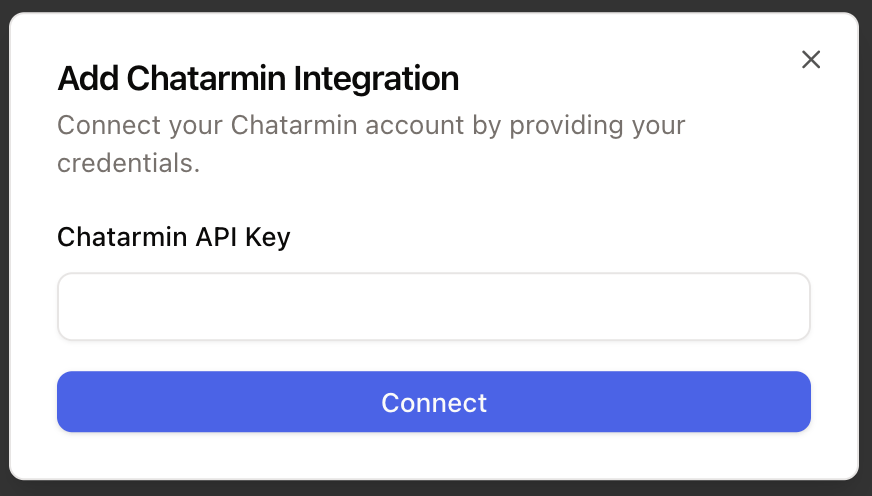
Click on connect -> Add account and paste in your chatarmin API key (if you don’t know, where to find it, check out our WhatsApp set-up-guide). Click connect and that’s it.
How to use
After connecting Chatarmin, you can sync WhatsApp chats directly to armincx. Please read the set-up-guide.