Asana
Create tasks for customer request for your team
Setting up the integration
1
Go to integrations
Got to the integrations-page (click on your name in the bottom left corner and choose integrations) and choose Asana
2
Setting up
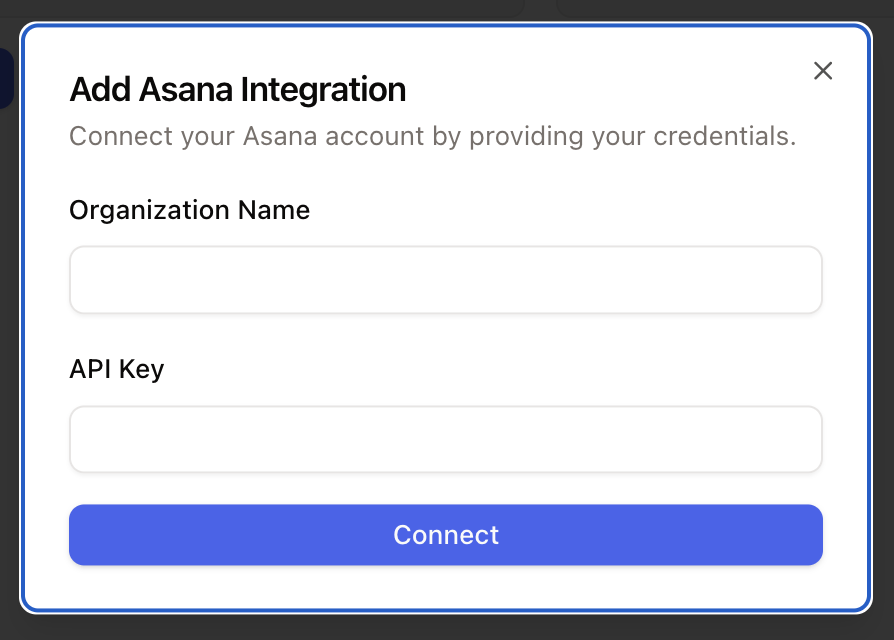
Click on connect -> Add account and ad your credentials. Click connect and grant the required permissions.
How to use
After connecting Asana, you can use workflows to perform actions in Asana.
Available actions:
Duplicate task
Move task to section
You cannot create new tasks in Asana. The process is that you duplicate an existing task with the new content. Then, if necessary, you can move it to the correct section of your Kanban board.