AI Auto Tagging
Use the power of AI for automatically tagging your Tickets
Main Benefits
Tagging Tickets for better filtering in
How does it work?
The AI Auto Tag analyzes the initial ticket that is created in order to assign one or more tags. A ticket can receive multiple tags during this process. Each tag is assigned only once and will not change automatically unless updated manually or through defined rules.
Where to find?
Under Settings → Auto Tagging
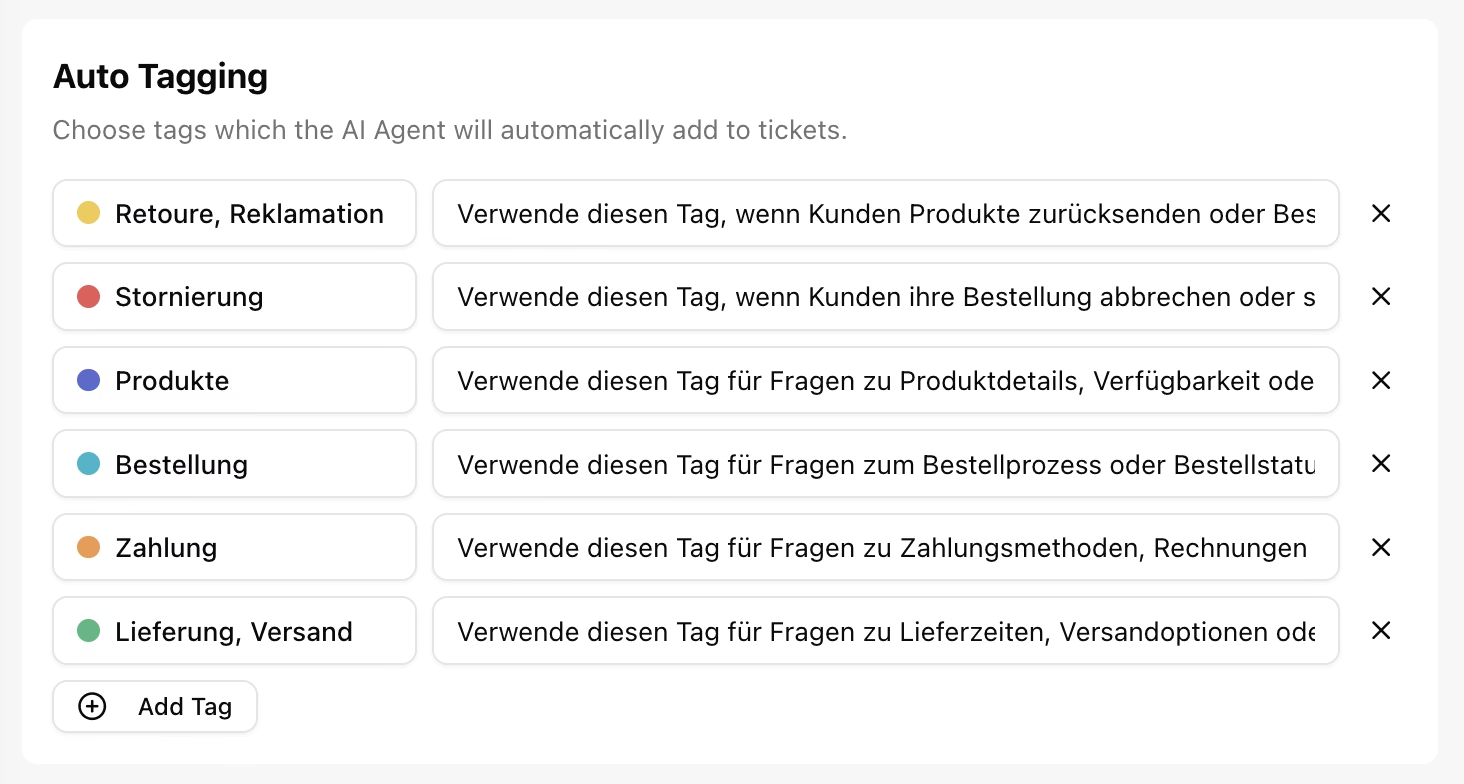
You can simply create your Tags & together with a short description on “when to Tag” this Tag, the AI takes over and automatically tags tickets when they are CREATEDBy default, we create those 6 Tags, which are automatically activated:
Retoure, Reklamation
Stornierung
Produkte
Bestellung
Zahlung
Lieferung, Versand
If you want to learn more about tags, check out this article