Sage100
Connect Sage100 to armincx seamlessly
Setting up the integration
1
Go to integrations
Got to the integrations-page (click on your name in the bottom left corner and choose integrations) and choose Sage100
2
Setting up
Click on connect -> Add account and ad your credentials. Click connect and grant the required permissions.
.png?fit=max&auto=format&n=yVi-IyTsRUTmBIL8&q=85&s=9f0240832b48bb860a0551559471fa95)
How to use
After connecting Sage you have several options to use the integration in you armincx-account.
Inbox Widget
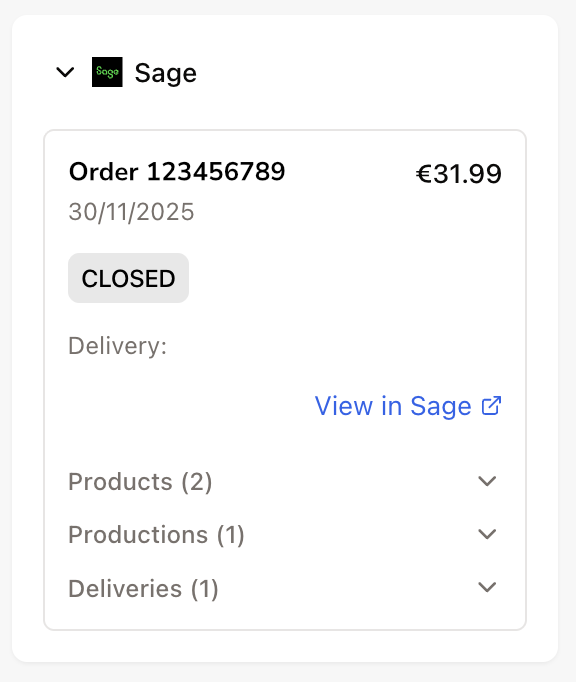
For every ticket in your inbox where a Sage100 order can be linked via the contact, you’ll see a widget on the right side of your inbox.
Here you can view all key order details and perform various actions, such as editing the order or creating a discount code.
Workflows
You can use the integration to trigger various actions in Sage100 through workflows.
Available actions:
Get Order
Get Customer
Update Address
Check Exchange Creation
Create Exchange
Create Return
Delete Production